Every project file, one explorer
A file explorer for your workspace with one folder per project. Files uploaded here also appear on the project’s FILES tab, and the other way round.
Starter and Professional plans
Files & Storage in 3 minutes
Every step on the real app. Jump to any chapter.
A folder per project
A file explorer for the workspace — one folder for every project you can reach.
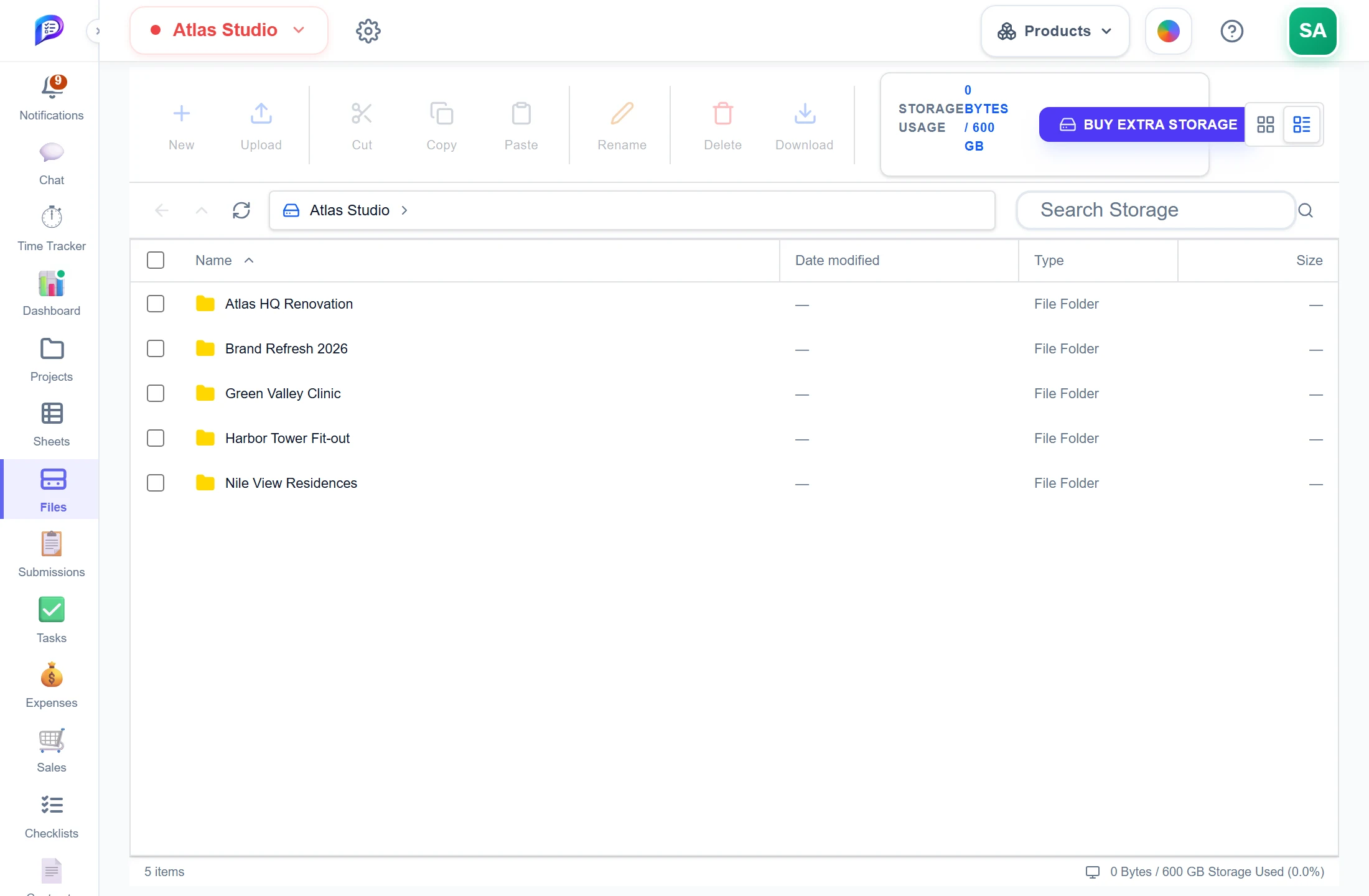
New, upload, cut, copy, paste, rename, delete, download.
The same files as the project’s FILES tab.
How much of the shared pool is used.
Find any file in the workspace.
- 1Explorer toolsNew, upload, cut, copy, paste, rename, delete, download.
- 2One folder per projectThe same files as the project’s FILES tab.
- 3Storage at a glanceHow much of the shared pool is used.
- 4SearchFind any file in the workspace.
Drawings, models and documents
DWG, RVT, IFC, PDF, Office files and images — in folders you make.
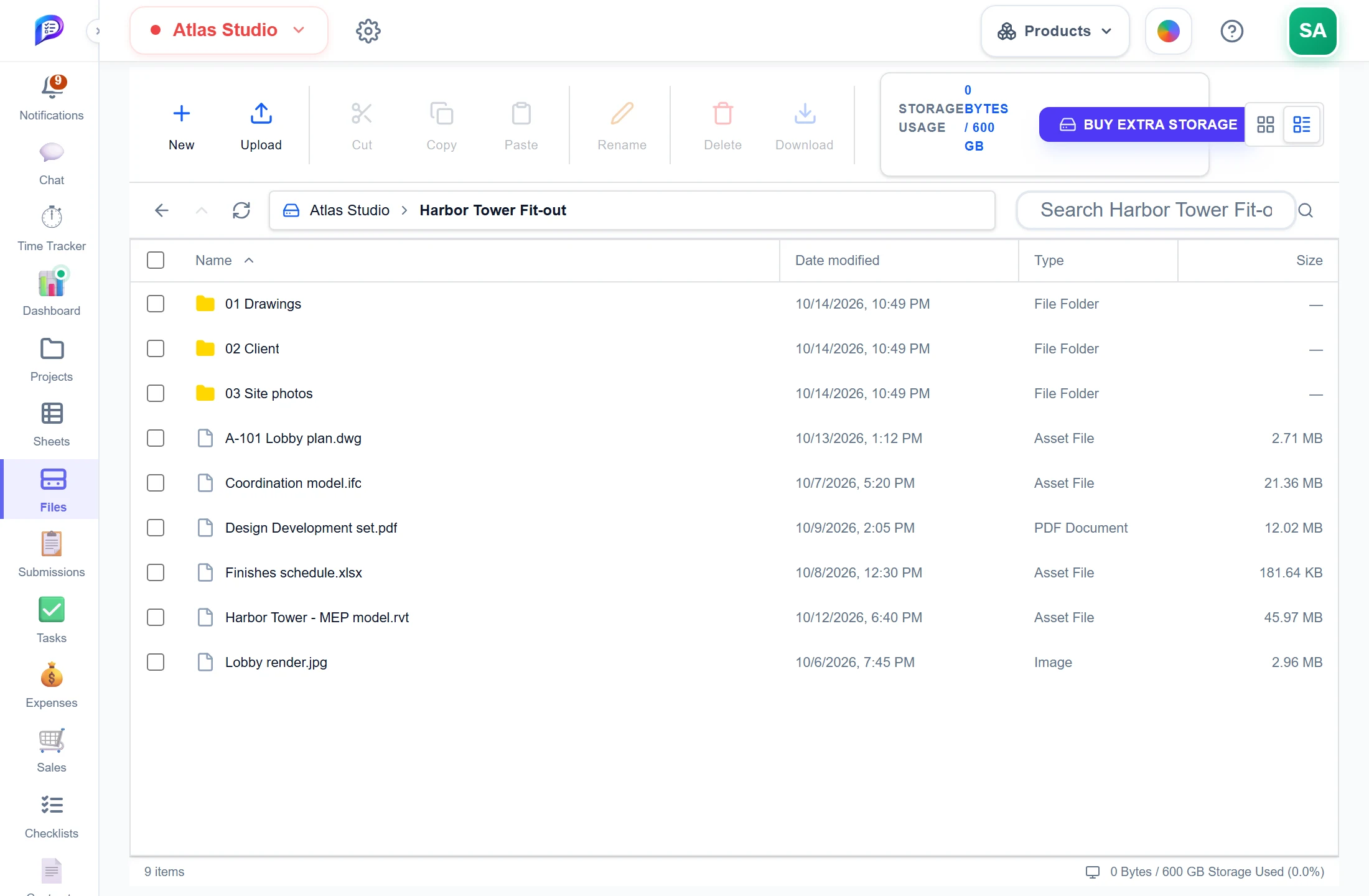
Organise them as you like.
DWG, RVT, IFC, PDF, Office and images.
Up to 100 MB a file.
The same files as the project’s FILES tab.
- 1One folder per projectThe same files as the project’s FILES tab.
- 2Your own foldersOrganise them as you like.
- 3Engineering formatsDWG, RVT, IFC, PDF, Office and images.
- 4UploadUp to 100 MB a file.
Good to know
Built around projects
The top level shows one folder for each project you can reach. Inside, you keep your own folders and files.
Engineering formats
Upload DWG, DXF, RVT, RFA, IFC, NWC and NWD files, as well as PDFs, images, Office files and ZIPs, up to 100 MB each.
Checked on upload
DWG, DXF, IFC, RVT and RFA files are checked inside. A file that doesn’t match its extension is refused.
Explorer controls
Cut, copy, paste, rename and multi-select from the toolbar or the right-click menu, with Details and Icon views.
One storage pool
Storage belongs to the owner’s account and is shared by all of its workspaces: the plan allowance plus seats and add-ons.
Nothing lost on downgrade
If a subscription ends, stored files stay. Only new uploads stop.
Works hand in hand with
The pictures on this page are screenshots of Projments with a sample company's data.
Ready to Supercharge Your Team?
Projects, time, collaboration and results — all in one workspace.
✓Free plan available✓No credit card required✓Cancel anytime