Turn logged work into answers you can share
Turn hours, tasks, submissions, expenses, sales and contracts into reports you can filter, group, save, share and export, in four sections: Overview, Time, Tasks, and Expenses & Sales.
Professional plan
Reports in 5 minutes
Every step on the real app. Jump to any chapter.
Saved and organised
Pick a report type, then save, organise and share the result.
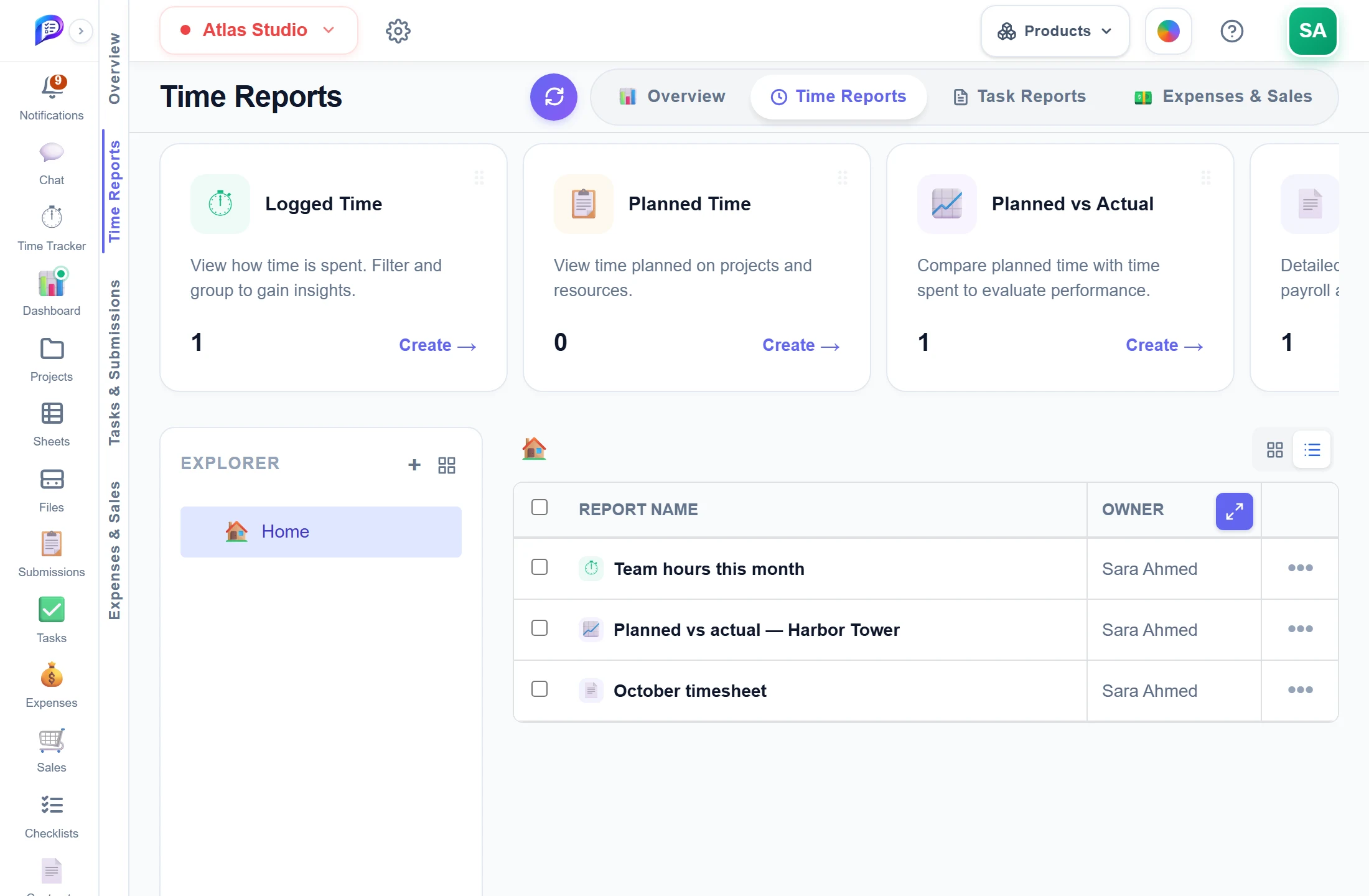
Keep saved reports in folders.
Share each with up to 200 people.
Overview, Time, Tasks, and Expenses & Sales.
Logged Time, Planned Time, Planned vs Actual, Time Sheet and more.
- 1Four sectionsOverview, Time, Tasks, and Expenses & Sales.
- 2Report typesLogged Time, Planned Time, Planned vs Actual, Time Sheet and more.
- 3FoldersKeep saved reports in folders.
- 4Saved reportsShare each with up to 200 people.
Hours, grouped and charted
Open a saved report to see the numbers, change the grouping and filters, and export it.
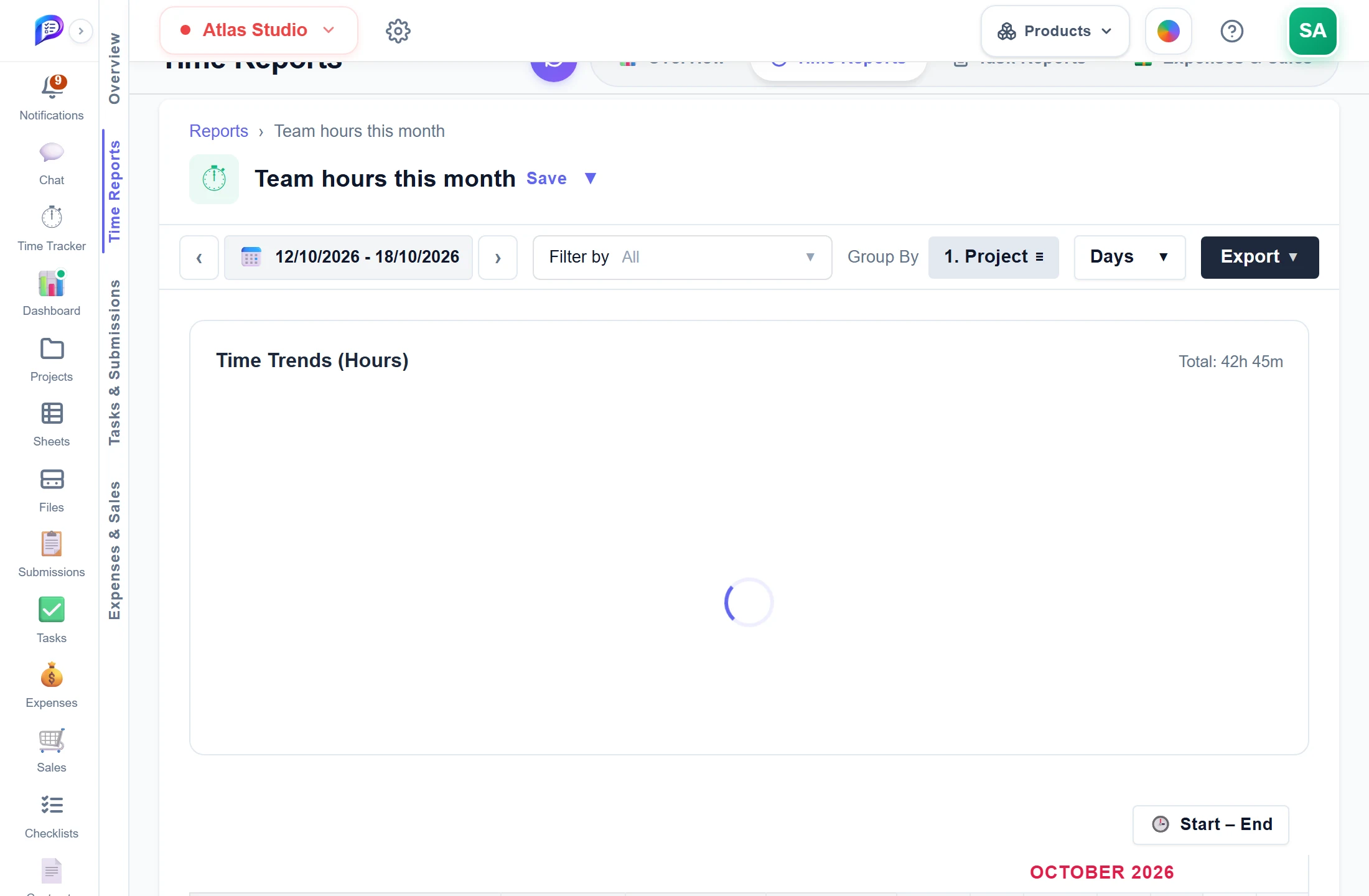
Step through weeks or pick dates.
Hours per day for each group.
Project, member, task, client or tag — in levels.
CSV, Excel or PDF.
- 1Any periodStep through weeks or pick dates.
- 2Group byProject, member, task, client or tag — in levels.
- 3ExportCSV, Excel or PDF.
- 4ChartsHours per day for each group.
Good to know
Time and payroll
Logged Time, Planned Time, Planned vs Actual and a Time Sheet that works out gross pay as hours × rate.
Portfolio health
Executive Project Overview scores every project as On Track, At Risk or Critical, with its budget and profit.
Priority & Risk
Scores every open task for risk and lists the ten riskiest, with actions such as Done and +7 Days.
Nine financial reports
Includes Profit Analysis, Monthly Cash Flow and a Custom report with report-only adjustments.
Filter by any column
Stack up to 50 conditions. Each one is saved with the report.
Save, organise, share
Keep reports in folders and share each with up to 200 people as Can view or Can edit.
Works hand in hand with
The pictures on this page are screenshots of Projments with a sample company's data.
Ready to Supercharge Your Team?
Projects, time, collaboration and results — all in one workspace.
✓Free plan available✓No credit card required✓Cancel anytime