Voice, video and screen sharing from any chat
Talk to teammates by voice or video, with screen sharing, straight from a chat. Meetings add a scheduled call with its own chat and join link.
Professional plan
Every call, in one list
Voice and video calls start from any chat; the Calls tab keeps the history.
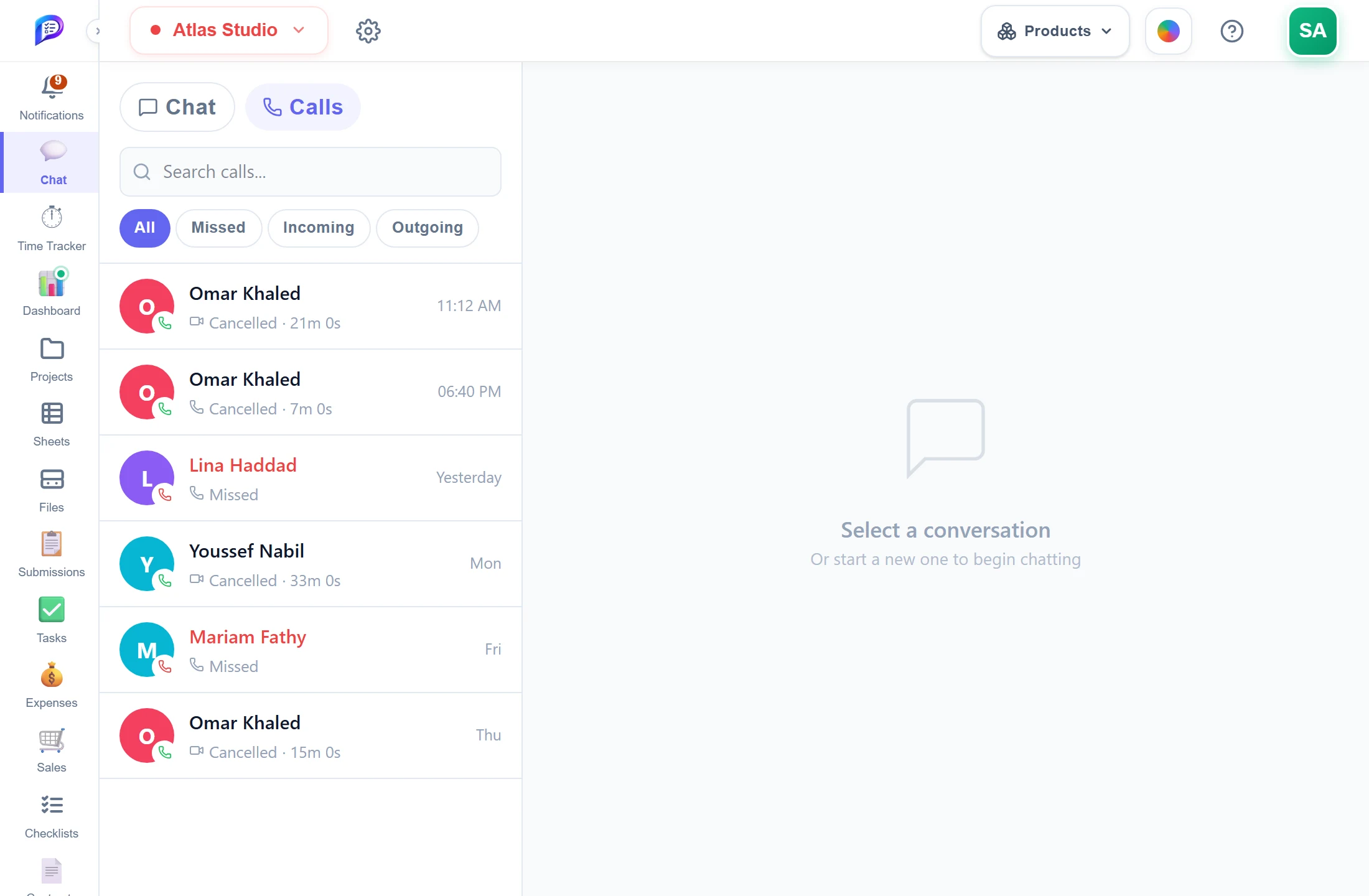
All, missed, incoming or outgoing calls.
Shown in red, and counted on the Calls tab.
The type and length of every call.
- 1Filter the historyAll, missed, incoming or outgoing calls.
- 2Missed calls stand outShown in red, and counted on the Calls tab.
- 3Voice or videoThe type and length of every call.
Schedule a meeting with a join link
Plan a call in the Calendar: attendees get it in their calendar and a chat for it.
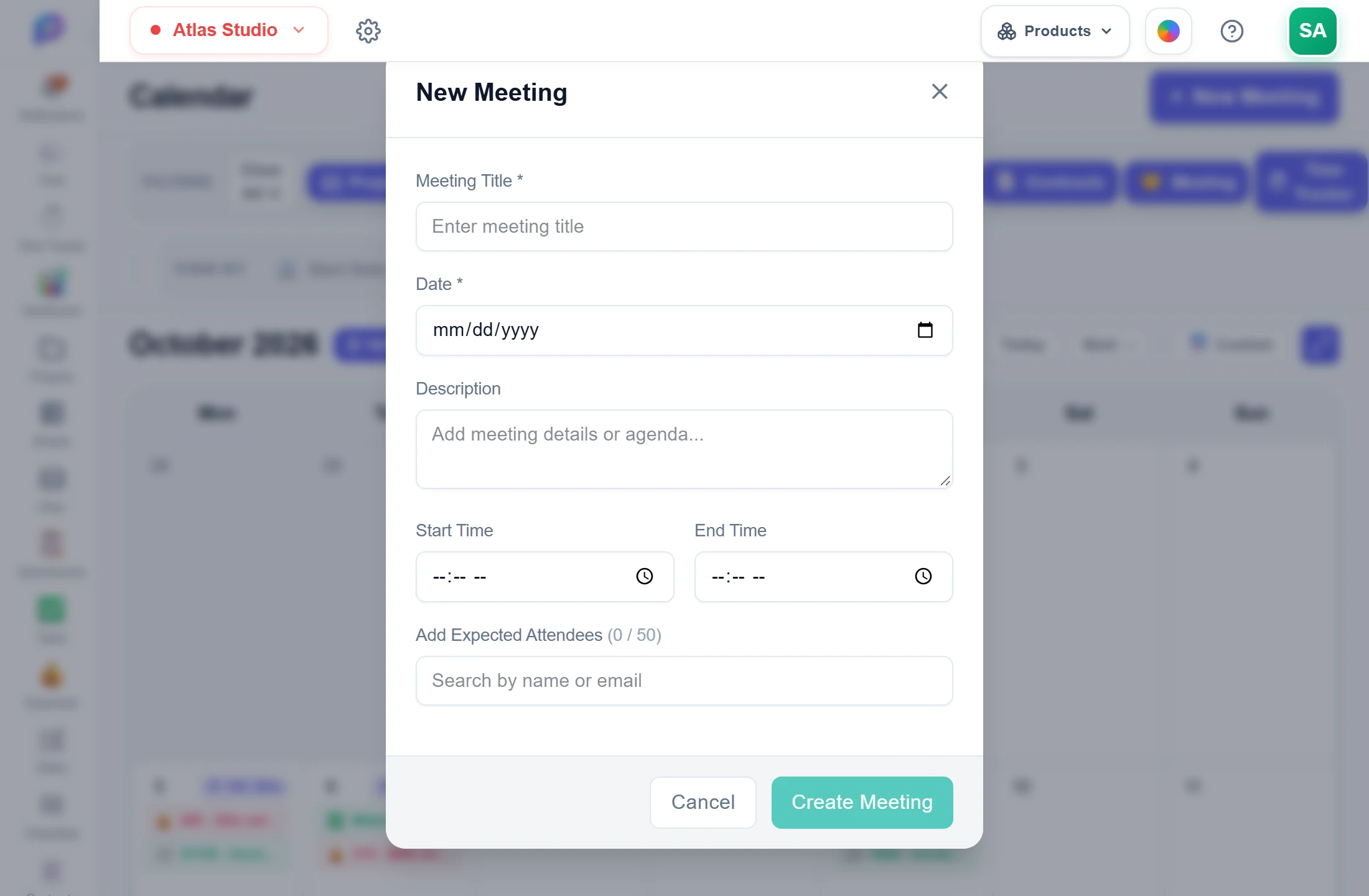
What it is about, for everyone invited.
When it starts and ends.
Search the workspace by name or email.
Each meeting gets a group chat and a join link.
- 1Title and agendaWhat it is about, for everyone invited.
- 2Date and timeWhen it starts and ends.
- 3Up to 50 attendeesSearch the workspace by name or email.
- 4Its own chatEach meeting gets a group chat and a join link.
Video, voice and screen sharing
One click from a chat starts the call for everyone in it.
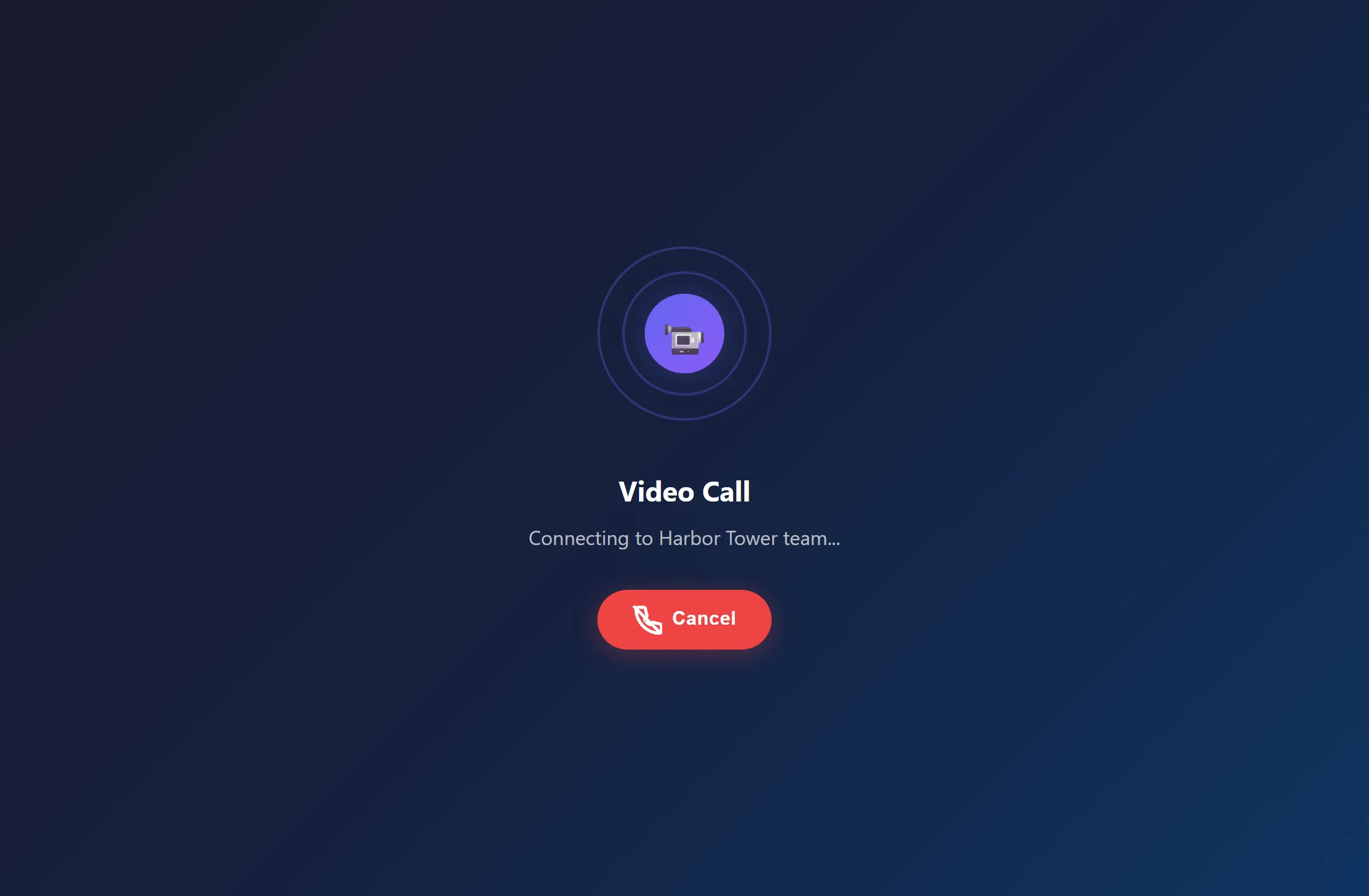
Group chats call every member at once.
From any chat, everyone in it is called.
Then share your screen once someone joins.
- 1One clickFrom any chat, everyone in it is called.
- 2The whole teamGroup chats call every member at once.
- 3Hang up any timeThen share your screen once someone joins.
Good to know
Start from a chat
Click the phone or camera in a chat header and everyone else in the chat starts ringing.
Share your screen
Screen sharing opens once someone has joined, one person at a time, alongside a side chat for the call.
Rings on web and phone
Incoming calls pop up on any workspace page and in the Android app. Answering on one device stops the others ringing.
Call history
The Calls tab lists calls made and received, with all, missed, incoming and outgoing filters and a count of missed calls.
Meetings with a join link
Schedule a meeting in the Calendar for up to 50 attendees. It gets its own group chat and a link only workspace members can open.
20 hours a month
Professional includes up to 20 hours of calls per user each month, reset on the 1st (UTC).
Works hand in hand with
The pictures on this page are screenshots of Projments with a sample company's data.
Ready to Supercharge Your Team?
Projects, time, collaboration and results — all in one workspace.
✓Free plan available✓No credit card required✓Cancel anytime