Fixed or hourly, tied to the project
Record the agreement behind each project, either a fixed price or an hourly rate times a number of hours. Approved contracts count as confirmed income alongside Sales.
Professional plan
Contracts in 4 minutes
Every step on the real app. Jump to any chapter.
Fixed or hourly, at a glance
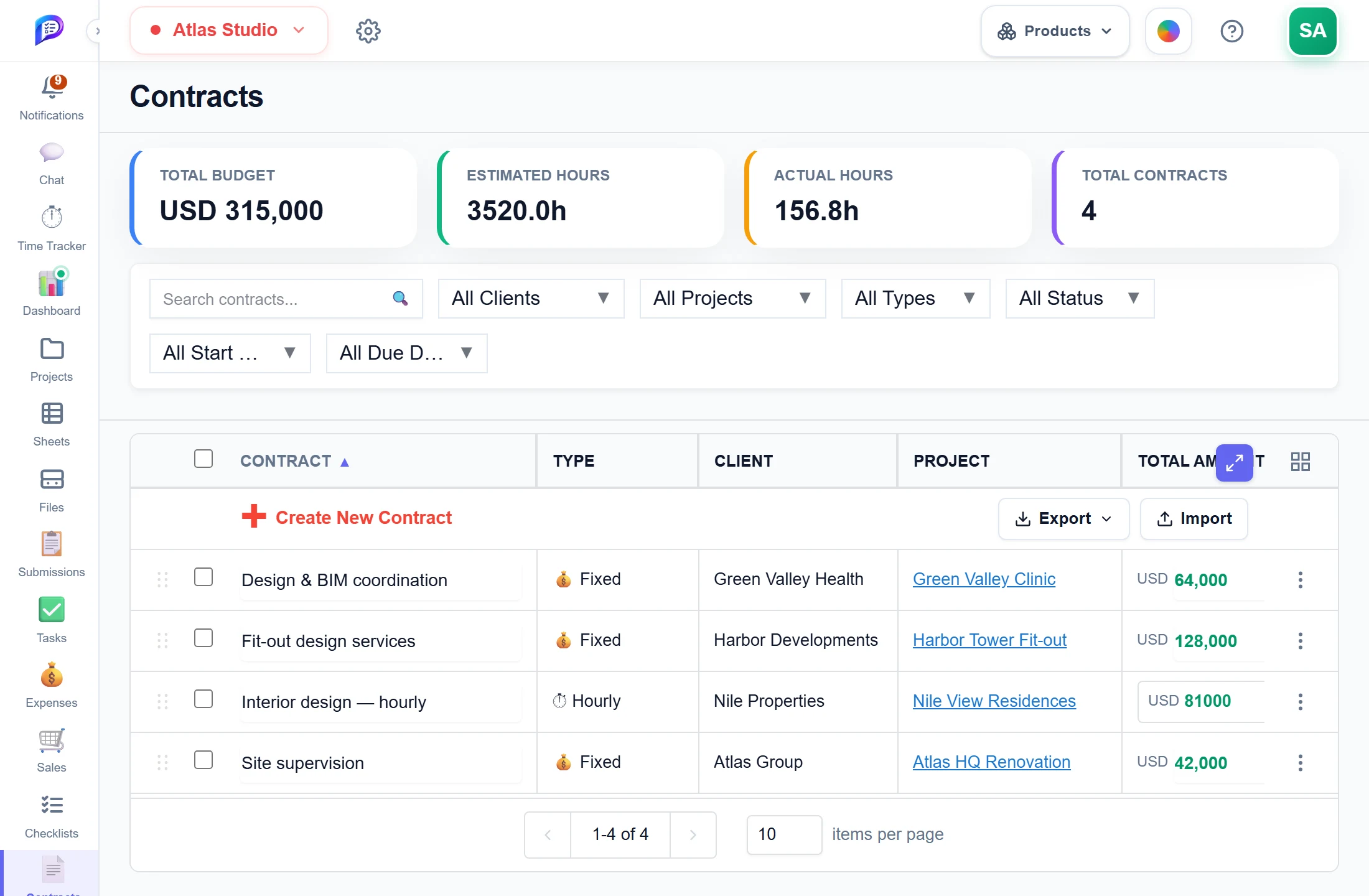
The agreement behind each project, with budget and hours in summary tiles.
What all the contracts you see are worth.
A fixed price, or a rate times hours.
The hours sold, and the hours logged so far.
Contract hours become the project’s budget.
- 1Total budgetWhat all the contracts you see are worth.
- 2Estimated vs actualThe hours sold, and the hours logged so far.
- 3Fixed or hourlyA fixed price, or a rate times hours.
- 4Tied to a projectContract hours become the project’s budget.
Good to know
Two contract types
Fixed Price works out the hours from amount ÷ rate. Hourly works out the amount from rate × hours.
Income you can rely on
Approved contracts count as confirmed income. Pending ones show as pending income.
The project’s budget
The contracts’ hours are the budget used by the project’s Status and Forecast tabs.
Summary tiles
Total Budget, Estimated Hours, Actual Hours and Total Contracts follow whatever filters you set.
Import that checks
Templates come with drop-downs. A number or date that can’t be read is flagged as an error, not saved as 0.
Its own permission
Contracts has its own line in Permissions, separate from Projects.
Works hand in hand with
The pictures on this page are screenshots of Projments with a sample company's data.
Ready to Supercharge Your Team?
Projects, time, collaboration and results — all in one workspace.
✓Free plan available✓No credit card required✓Cancel anytime